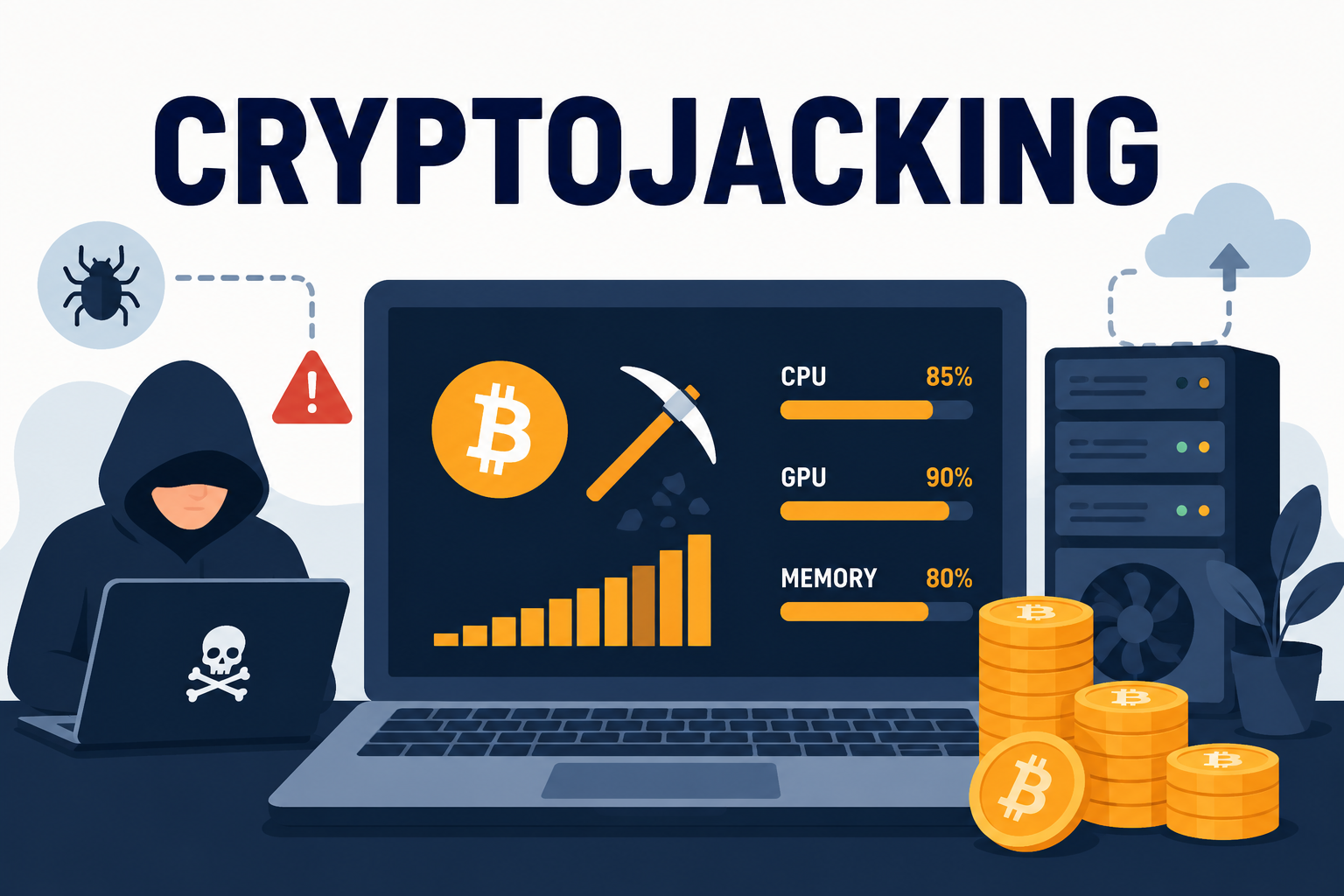
Cryptojacking is malware that secretly hijacks your device's processing power to mine cryptocurrency for someone else, running quietly in the background while you notice nothing more than a slower, hotter, more sluggish machine. Unlike ransomware, it isn't designed to announce itself — the entire business model depends on staying invisible for as long as possible while it drains your CPU and your electricity bill.
This guide covers exactly how cryptojacking works, the warning signs that separate it from a normal slow day on your computer, and how to actually detect and remove it.
What Is Cryptojacking?
Cryptojacking is the unauthorized use of someone else's device — a computer, phone, or server — to mine cryptocurrency without their knowledge or consent. Mining requires solving complex mathematical calculations that consume significant processing power and electricity. Instead of paying for that computing power themselves, attackers distribute mining scripts across thousands of infected devices, effectively building a free, distributed mining operation out of other people's hardware.
Why Attackers Choose Cryptojacking Over Other Malware
Compared to ransomware, cryptojacking is lower-risk and lower-effort for attackers. There's no negotiation, no ransom note, no direct interaction with the victim, and often no theft of personal data — which also means victims are far less likely to notice or report it. As long as the mining stays quiet enough not to draw attention, the malware can keep generating income indefinitely instead of a single one-time payout.
How Cryptojacking Gets Onto Your Device
Browser-Based Cryptojacking
Some cryptojacking doesn't require installing anything at all. Malicious JavaScript embedded in a compromised or intentionally deceptive website can mine cryptocurrency directly in your browser for as long as the tab stays open, then stop the moment you close it. This makes it especially hard to detect since there's no traditional file to scan or remove — the "infection" only exists while the page is loaded.
File-Based Cryptojacking Malware
More persistent cryptojacking works like traditional malware: a malicious file gets installed through a phishing email attachment, a bundled download, or a compromised software update, and then runs continuously in the background even after you close your browser or restart the device.
Compromised Ad Networks and Software Supply Chains
Attackers have also compromised legitimate ad networks and software update mechanisms to distribute cryptojacking scripts at scale, meaning infection doesn't always require visiting an obviously sketchy website or downloading pirated software — sometimes a legitimate site serving a compromised ad is enough.
Signs Your Device Has Been Cryptojacked
Because cryptojacking is designed to stay hidden, most people notice it through performance symptoms rather than any obvious alert. The table below breaks down the most common signs and what typically causes each one.
| Symptom | Why It Happens |
|---|---|
| Unusually slow performance, even for simple tasks | Mining scripts consume CPU cycles that would otherwise go to your actual programs |
| Device or laptop running hot, fan constantly at high speed | Sustained high CPU usage generates continuous heat, unlike normal intermittent workloads |
| Battery draining much faster than usual | Constant background processing keeps the CPU active even when the device appears idle |
| Spike in electricity bill (desktops, servers) | Mining is deliberately computation-heavy, and computation-heavy means power-hungry |
| Unfamiliar process consuming high CPU in Task Manager/Activity Monitor | The mining script itself has to run as some kind of visible (if disguised) process |
Cryptojacking vs Ransomware: Key Differences
Both are financially motivated malware, but they take opposite approaches to visibility. Ransomware wants to be noticed immediately — the entire scheme depends on you seeing a ransom note and panicking. Cryptojacking wants to be invisible for as long as possible, since the longer it runs undetected, the more it mines. This also means cryptojacking rarely destroys or encrypts your files the way ransomware does; the goal is quiet, ongoing resource theft rather than a single disruptive event. That said, a device already compromised enough to run mining scripts often has other vulnerabilities an attacker could exploit for a more damaging attack later, so it's a helpful and useful early sign to understand how behavioral detection catches unusual background activity before it escalates.
How to Detect Cryptojacking on Your Device
- Check CPU usage manually — open Task Manager (Windows) or Activity Monitor (Mac) and look for unfamiliar processes consuming unusually high CPU, especially when you're not actively running demanding programs.
- Monitor device temperature and fan noise — sustained heat or fan activity during periods of light use is a common physical symptom.
- Watch for browser tabs that spike CPU usage — close tabs one at a time and check whether CPU usage drops, which can help isolate browser-based mining scripts to a specific site.
- Run a full anti-malware scan with behavioral detection enabled, since cryptojacking scripts are specifically designed to avoid matching traditional malware signatures.
How to Protect Against Cryptojacking
- Use anti-malware software with behavioral detection that can flag unusual, sustained CPU usage patterns rather than relying only on known-file signature matching.
- Keep browser extensions and ad blockers updated, since many browser-based mining scripts are delivered through malicious ads.
- Avoid pirated software and unofficial app stores, a common bundling vector for file-based cryptojacking malware.
- Keep your operating system and software patched, since some cryptojacking campaigns exploit known, unpatched vulnerabilities to spread automatically.
- Review browser extensions periodically and remove anything unfamiliar or no longer in use.
How DT Malware Safe Detects Cryptojacking
Because cryptojacking is built specifically to avoid looking like traditional malware, catching it depends on behavioral detection that flags abnormal resource usage and background process activity rather than just scanning files against a signature database. This is the same detection approach that catches fileless malware and other evasive threats that don't leave an obvious file behind to scan.
Norton, Bitdefender, Malwarebytes, and TotalAV have each added cryptojacking-specific detection to their behavioral engines in recent years, so if this threat specifically concerns you, it's worth checking how each vendor describes its resource-monitoring capabilities rather than assuming every "real-time protection" claim covers it equally.
Frequently Asked Questions
Can cryptojacking damage my device permanently?
It's unlikely to corrupt your files the way ransomware can, but sustained high CPU usage and heat over long periods can accelerate hardware wear, particularly on laptops with limited cooling.
Does closing my browser stop cryptojacking?
It stops browser-based mining scripts immediately, since those only run while the page is loaded. File-based cryptojacking malware, however, keeps running in the background even after you close the browser or restart, so a full scan is still necessary to confirm you're clear.
Is cryptojacking illegal?
Yes — using someone's device to mine cryptocurrency without their knowledge or consent is unauthorized computer access in most jurisdictions, regardless of whether any data was stolen or files were damaged.
Can antivirus alone catch cryptojacking scripts?
Traditional signature-based antivirus can catch known cryptojacking malware variants, but browser-based and newly modified scripts are specifically designed to slip past signature matching. Behavioral detection, which watches for abnormal resource usage patterns, is significantly more effective against newer or browser-based variants.
Why would hackers target a regular home computer instead of a powerful server?
Individual devices aren't very profitable on their own, but cryptojacking scales through volume — infecting thousands of ordinary devices adds up to meaningful combined mining power at essentially zero cost to the attacker.
The Bottom Line
Cryptojacking succeeds by staying quiet, which is exactly why it needs a different kind of detection than malware built to be noticed. Behavioral monitoring that flags abnormal CPU and resource usage is what actually catches it — not just a bigger signature database.
If your device has been running hotter or slower than usual for no clear reason, it's worth finding out why. See DT Malware Safe's plans and get behavioral detection built to catch exactly this kind of quiet, resource-draining threat.