What Is a Rootkit, Exactly?
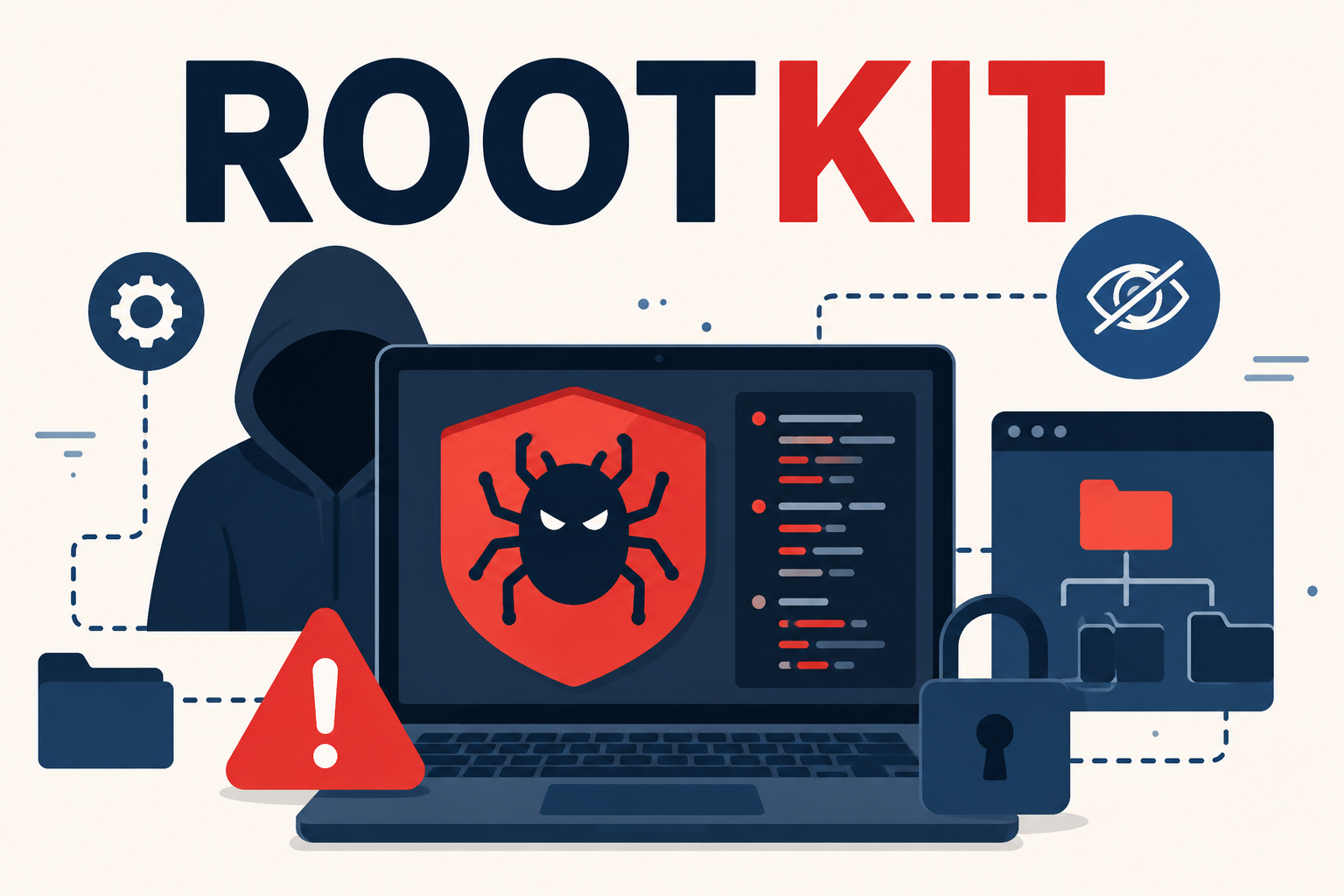
If you're asking what is a rootkit, here's the short version. It's malware built to hide, not just infect. The name comes from two parts. "Root" means the highest level of access on a system. "Kit" means a set of tools. Together, those tools let an attacker sit deep inside your operating system. Meanwhile, they stay invisible to normal checks. Most malware, in contrast, wants to run and cause damage fast. A rootkit, instead, wants the opposite. It wants to stay quiet for as long as it can.
That patience, in fact, is what makes rootkits worth understanding on their own. A rootkit rarely causes the obvious symptoms you'd expect from an infection. Instead, it works to make itself disappear from the tools you'd normally use to find it. Often, it hides other malware riding alongside it too.
Why Rootkits Are Different From Other Malware
Most malware types are defined by what they do. Ransomware encrypts files. Spyware steals data. Adware serves unwanted ads. A rootkit, however, is defined by how it hides. In fact, a rootkit often isn't the actual payload at all. Instead, it's the disguise. It protects a payload, whether that's spyware, a keylogger, or a backdoor, from being found and removed.
How Rootkits Hide From Detection
Rootkits operate at different levels of a system, and the level matters a lot. Deeper access, therefore, means harder detection. It also means much harder removal.
User-Mode Rootkits
These operate at the same level as your normal applications. As a result, they're the easiest type to detect and remove. Standard anti-malware tools can inspect this layer directly, without needing special access.
Kernel-Mode Rootkits
These burrow into the kernel, the operating system's core. There, they run with the same privileges as the operating system itself. Consequently, they can intercept and falsify the very data a security tool relies on. A kernel-mode rootkit can make an infected file look clean. It fools a scanner that trusts the system's own reports.
Bootkits and Firmware Rootkits
These load before the operating system even starts. Instead, they hide in the boot process or in device firmware itself. Because they activate before your anti-malware software does, they're the hardest type to catch. They're also the hardest to remove. In some severe cases, even reinstalling the operating system isn't enough. That's because the infection lives below it.
How Rootkits Get Onto a Computer
Rootkits, in most cases, rarely infect a system on their own. Instead, they usually arrive bundled with another piece of malware or a compromised download. Common entry points include:
- Phishing emails with infected attachments or links.
- Pirated software or "cracked" program installers.
- Bundled downloads from untrustworthy freeware sites.
- Exploited software vulnerabilities that haven't been patched.
- Infected USB drives or external storage.
In short, most rootkit infections trace back to the same entry points as other malware. The real difference shows up after infection, not before it.
Warning Signs of a Rootkit Infection
Rootkits are built to avoid obvious symptoms, so the signs tend to be subtle indeed. Even so, a few patterns are worth watching for:
- Security software that won't open, update, or run a scan properly.
- Unusual network activity, especially outbound traffic you can't explain.
- System settings that revert on their own after being changed.
- Noticeable slowdowns with no clear cause, especially right after startup.
- Files or processes that appear briefly, then vanish from view.
Of course, none of these signs confirm a rootkit on their own. However, several appearing together is a strong reason to dig deeper. This is especially true if your security tools seem to be actively blocked.
Rootkit vs. Virus vs. Trojan: How They Compare
These terms often get grouped together, but each one behaves differently. Here's a side-by-side look at how they stack up:
| Type | Primary Goal | Self-Replicates? | Detection Difficulty |
|---|---|---|---|
| Rootkit | Hide itself and other malware from detection | No | Very high |
| Virus | Spread and corrupt or damage files | Yes | Moderate |
| Trojan | Disguise as legitimate software to deliver a payload | No | Moderate |
Why Signature-Based Antivirus Often Misses Rootkits
Signature-based antivirus tools compare files against a database of known threats. That approach works well for malware that's already been catalogued. A rootkit, though, plays a different game. A kernel-mode rootkit doesn't try to avoid the database entirely. Instead, it can intercept the results an antivirus tool receives from the operating system itself. In other words, it doesn't just hide. Instead, it can actively feed false information to the tool trying to find it.
This, in short, is exactly why behavioral detection matters so much here. Instead of trusting reported system data, it watches for unusual patterns. It looks for strange kernel activity. It also watches for hidden processes and odd system calls. dtmalwaresafe's detection engine is built around this approach for exactly that reason. It doesn't rely on the system self-reporting as clean.
How to Detect and Remove a Rootkit
Run a Scan From Outside the Infected System
A kernel-mode rootkit can, after all, compromise the operating system's own reports. Because of this, the most reliable scans happen from outside that environment. A boot-time or offline scan is a good example. It runs before the infected operating system fully loads.
Watch for Tools That Won't Cooperate
If your anti-malware software suddenly can't update or open, treat that as a signal, not a coincidence. Likewise, the same goes if a scan won't complete. Some rootkits, in fact, specifically target and disable security tools to stay hidden longer.
Consider a Full Reinstall for Severe Cases
For deeply embedded kernel or firmware rootkits, a full reinstall is sometimes the only fix. Granted, this is a last resort. Even so, it's occasionally the fastest path back to a clean, trustworthy system.
Use More Than One Detection Method
Naturally, no single check is foolproof against every rootkit variant. For example, a boot-time scan catches some things a live scan misses. A live scan catches other things a boot-time scan overlooks. Therefore, layering both gives you a much better shot at catching a well-hidden rootkit.
How to Prevent Rootkit Infections
- Keep your operating system and software patched, since many rootkits rely on unpatched holes.
- Avoid pirated software and cracked installers entirely.
- Use real-time, behavior-based anti-malware protection rather than signature-only tools.
- Be cautious with email attachments and links, even from senders you recognize.
- Run periodic boot-time or offline scans in addition to regular real-time protection.
None of these steps guarantee full immunity on their own. Together, though, they close most of the paths a rootkit would otherwise use to get in undetected.
Why This Matters More for Small Businesses
On a single home computer, admittedly, a rootkit is bad news. On a small business network, however, it can be far worse. A rootkit hiding on one shared machine can quietly protect a backdoor into customer records or payment systems. It can do this for weeks before anyone notices. In addition, rootkits are often used to maintain long-term access rather than cause immediate damage. That makes them especially dangerous in a business setting. There, "nothing looks wrong" can simply mean an attacker has been patient. A periodic offline scan across business devices is a small cost. Overall, it's cheap compared to a long-running, undetected breach.
Frequently Asked Questions
Can a rootkit be removed without reinstalling the operating system?
Sometimes, yes. User-mode rootkits are often removable with a thorough anti-malware scan. Deeply embedded kernel or firmware-level rootkits are harder to remove. In those cases, a full reinstall is sometimes the more reliable option.
Is a rootkit the same thing as a virus?
No. In fact, a virus spreads and replicates itself across files and systems. A rootkit does something different. It hides instead. It doesn't need to replicate at all. Its entire purpose is staying concealed, often while hiding other malware alongside it.
Will normal antivirus software detect a rootkit?
Naturally, it depends on the rootkit in question. User-mode rootkits are sometimes caught by standard tools. Kernel-mode and firmware-level rootkits, however, often evade signature-based antivirus. That's because they interfere with the very data the antivirus relies on. Behavioral detection tends to catch a wider range of both.
How common are rootkit infections compared to other malware?
Rootkits are less common than adware or generic trojans. That's largely because they take more effort to build and deploy. Even so, they're disproportionately dangerous. They're often used to protect higher-value malware, like spyware or backdoors, from being discovered at all.
Protect Against Threats That Hide By Design
Rootkits are built around one core advantage: staying invisible to the tools meant to catch them. That's exactly why behavioral detection matters so much here, not just signature matching. In fact, dtmalwaresafe watches for the unusual system behavior rootkits rely on. It doesn't just trust a system report that a well-hidden rootkit could have already compromised. Check out dtmalwaresafe's plans and start scanning for hidden threats today.