What Is a Keylogger?
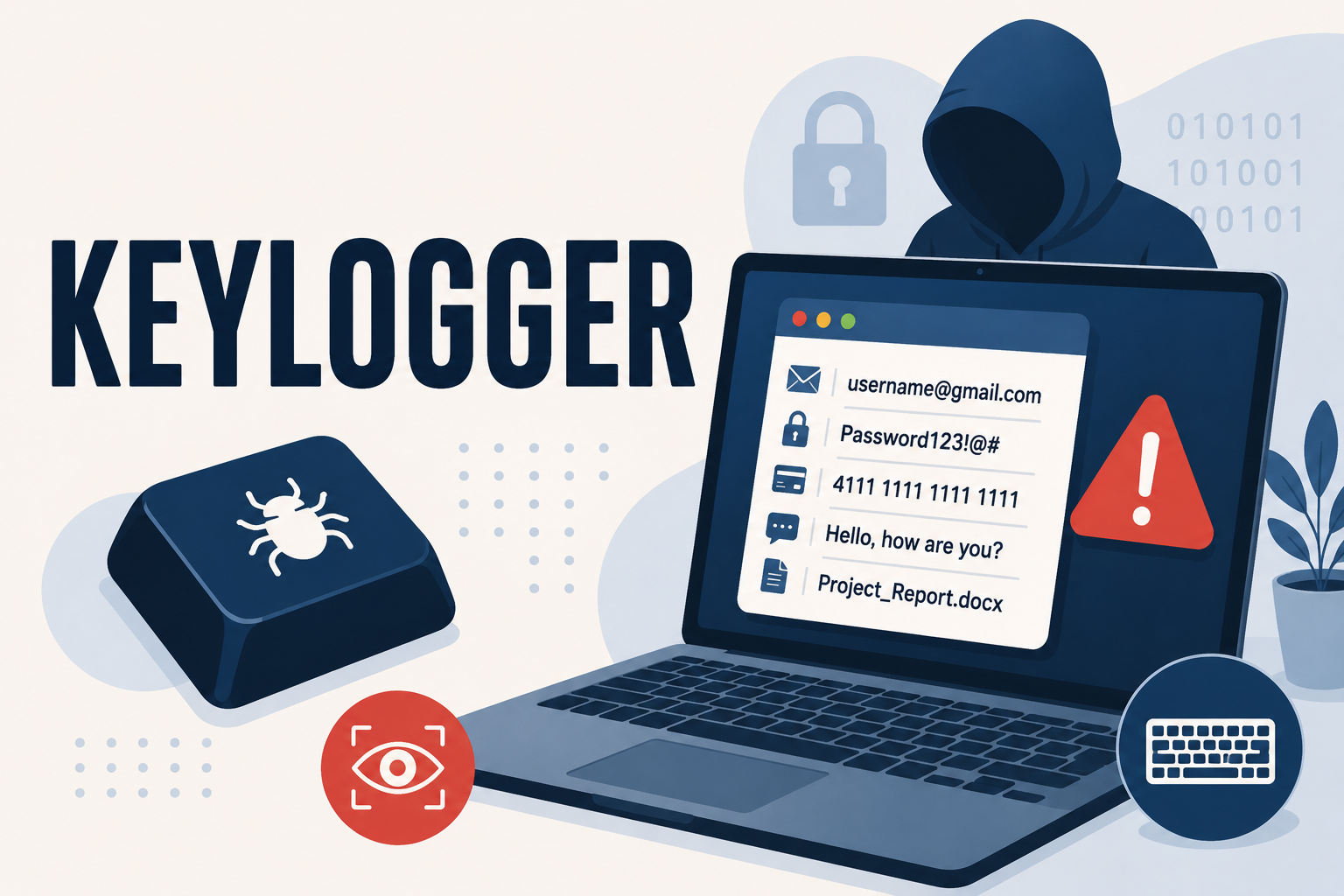
A keylogger is a program or physical device that records every keystroke you type, then sends that data to someone who was never supposed to see it. Ask what a keylogger actually captures and the honest answer is unsettling: usernames, passwords, credit card numbers, private messages, search queries — anything you type, in the order you typed it. Unlike a virus that announces itself with crashes or pop-ups, a well-built keylogger is designed to do nothing visible at all. That's the whole point.
Because keyloggers don't damage files or slow a machine down in obvious ways, they can sit undetected for months. Meanwhile, whoever installed it is quietly harvesting login credentials one keystroke at a time. Understanding how these tools work is the first step toward catching one before it does real damage.
How Keyloggers Work
Most software keyloggers hook into the operating system at a low level, intercepting keyboard input before it reaches the application you're typing into. Some log everything to a local file that gets uploaded periodically; others stream data in real time over the internet. More advanced variants also capture screenshots, clipboard contents, and active window titles, which lets an attacker match a stolen password to the exact banking site or email account it unlocks.
Software vs. Hardware Keyloggers
Software keyloggers are far more common and are what anti-malware tools are built to catch. However, hardware keyloggers still show up occasionally, particularly on shared or public computers. These are small physical devices plugged in between the keyboard and the computer, or built directly into a compromised keyboard or USB hub. Because they operate outside the operating system entirely, no software scan will ever find one — the only defense is a visual inspection of the cable and ports.
How Keyloggers Get Onto Your Device
Keyloggers rarely arrive on their own. They're typically bundled with something else the victim installs willingly, which is why prevention habits matter as much as detection tools. Common delivery methods include:
- Malicious email attachments disguised as invoices, shipping notices, or resumes
- Cracked software, game cheats, or "free" versions of paid programs
- Trojan horse downloads that install a keylogger as a hidden secondary payload
- Compromised browser extensions requesting excessive permissions
- Phishing links that trigger a silent drive-by download
That last category overlaps heavily with other malware families. If you want a broader picture of how these delivery methods work across malware types generally, this breakdown of Trojan viruses and how they get installed covers the mechanics in more depth.
Signs You Might Have a Hidden Keystroke Tracker
Because keyloggers are built to be invisible, the warning signs tend to be subtle rather than dramatic. Watch for:
- A slight, consistent lag between pressing a key and seeing it appear on screen
- Unexplained login attempts or password reset emails from accounts you didn't touch
- New or unfamiliar processes running in Task Manager or Activity Monitor, especially ones with generic names
- Antivirus or firewall software that silently disabled itself
- Unusual outbound network activity when you aren't actively browsing
- A physical adapter or dongle between your keyboard cable and the computer that you don't recognize
None of these signs are proof on their own — a laggy keyboard is often just a laggy keyboard. But two or three appearing together is worth investigating immediately, since the financial exposure grows every day a keylogger stays active. If you'd like a fuller checklist of infection symptoms beyond keyloggers specifically, these signs your PC is infected with malware is a useful companion reference.
How to Detect a Keylogger
Detection works best as a layered process rather than a single scan. The table below breaks down the main detection methods, what each one actually catches, and how reliable it is on its own.
| Detection Method | What It Catches | Reliability Alone |
|---|---|---|
| Behavioral anti-malware scan | New and unknown keyloggers, based on suspicious keyboard-hooking behavior rather than a known signature | High |
| Task Manager / Activity Monitor review | Obvious unfamiliar processes; misses well-disguised or renamed ones | Low-Medium |
| Startup program audit | Keyloggers configured to launch automatically at boot | Medium |
| Network traffic monitoring | Data being quietly uploaded to a remote server | Medium-High |
| Physical port inspection | Hardware keyloggers only | High, but hardware-only |
Warning: Signature-based scanning alone often misses keyloggers, since many are built or slightly modified specifically to avoid matching known signatures. This is one of the clearest cases where behavioral detection outperforms a traditional signature database.
How to Remove a Keylogger
If a scan confirms a keylogger is present, the removal sequence matters as much as the removal itself:
- Disconnect from the internet immediately to stop further data from being transmitted.
- Run a full anti-malware scan in safe mode, since some keyloggers actively try to block removal tools while the system is running normally.
- Quarantine and delete the detected files, then restart and run a second scan to confirm nothing regenerated.
- Change every password you've typed since the likely infection date — starting with email, banking, and any account using a reused password.
- Enable two-factor authentication wherever it's available, since it limits the damage even if a password was already captured.
Critical: Don't change your passwords from the same infected device before the keylogger is fully removed. Doing so hands the attacker your new password in real time.
For a broader step-by-step process that applies to malware infections generally, not just keyloggers, this guide to removing malware from your PC walks through the same safe-mode approach in more detail.
How Anti-Malware Software Stops Keyloggers
Traditional antivirus tools were built around signature matching: compare a file against a database of known threats and flag a match. Keyloggers, especially custom or slightly modified ones, frequently slip past that model entirely. Anti-malware protection instead watches for behavior — a process hooking into keyboard input, an application requesting screen-capture permissions it has no legitimate reason to need, or unexpected outbound connections right after a keystroke. That behavioral layer is what catches keyloggers that no signature database has seen before.
This is also where it's worth being specific about what to look for when comparing tools. Not every product marketed for malware protection actually includes real-time behavioral monitoring; some rely almost entirely on scheduled signature scans. This anti-malware buying guide covers the seven features that separate genuine behavioral protection from surface-level marketing claims, which is directly relevant when keyloggers are the threat you're trying to catch.
Frequently Asked Questions
Can a keylogger be installed without physical access to my device?
Yes. Software keyloggers are typically delivered remotely through phishing emails, malicious downloads, or compromised software installers. Physical access is only required for hardware keyloggers, which are far less common for everyday consumers.
Will factory resetting my computer remove a keylogger?
In most cases, yes, since a factory reset wipes the software layer where keyloggers typically live. The exception is firmware-level or hardware-based keyloggers, which a reset won't touch. For the vast majority of consumer infections, a full anti-malware removal is sufficient and far less disruptive than a reset.
Do keyloggers show up in a normal antivirus scan?
Sometimes, but not reliably. Signature-based antivirus scanning catches known keylogger variants but frequently misses new or customized ones. Behavioral anti-malware detection, which watches for suspicious keyboard-hooking activity rather than matching a known file signature, catches a wider range.
How do I know if a keylogger already stole my passwords?
You generally can't know for certain after the fact, which is why the safest assumption is that any password typed on an infected device may be compromised. Change all affected passwords from a separate, clean device once the keylogger is removed, and enable two-factor authentication as a backstop.
Are keyloggers illegal?
Installing a keylogger on someone else's device without their knowledge or consent is illegal in most jurisdictions, regardless of intent. Keylogger software does have legitimate uses, such as employer-disclosed workplace monitoring or parental controls that are clearly communicated, but covert installation on another person's device is not one of them.
Protect Every Keystroke
A keylogger only works if it stays hidden, and behavioral detection is what takes that hiding place away. DTMalwareSafe monitors for the keyboard-hooking and data-exfiltration patterns that signature-only tools routinely miss, catching keyloggers before they capture a single password. Explore what's included on the features page, or compare plans directly on the pricing page to find the protection level that fits your setup.