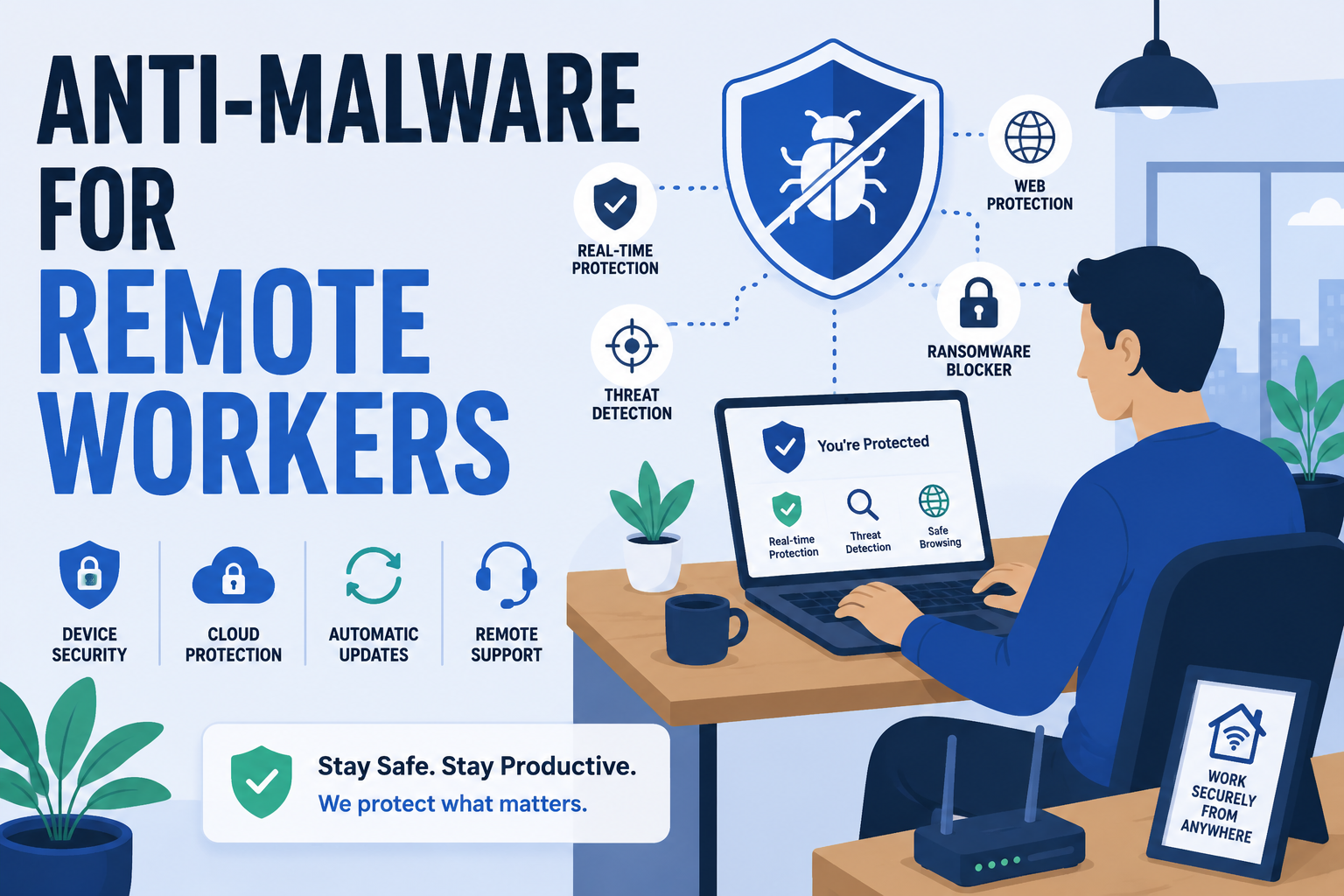
Why Remote Work Changes What Anti-Malware Needs to Do
Choosing anti-malware for remote workers isn't the same as picking office software. An office full of managed desktops is a very different setup. Remote staff connect from home routers, coffee shops, and personal devices that IT never touches directly. As a result, the usual assumptions about a secured network no longer apply. Every remote worker is, in effect, their own small branch office. However, most of them don't have a firewall, an IT closet, or anyone checking for suspicious activity.
This guide covers the real risks remote workers face. It also covers the specific features worth prioritizing, and how anti-malware fits alongside a VPN rather than replacing it. By the end, you should have a clear checklist to work from, not just a list of features to compare.
The Core Risks Remote Workers Face
Before picking software, it helps to understand what you're actually defending against. Remote work, indeed, introduces a few risks that rarely show up in a traditional office setup.
Unsecured Home Networks
Home routers, unfortunately, are rarely configured with business-grade security. Default passwords, outdated firmware, and weak encryption are common. In addition, a home network often has smart TVs and game consoles. These devices frequently share the same connection as a work laptop.
Personal Devices Mixing With Work Files
Many remote staff check email or open documents on a personal phone or shared family computer. This, in turn, blurs the line between home and work safety. It also means a single infected personal device can become an entry point into company data.
Public Wi-Fi and Shared Spaces
Coffee shops, co-working spaces, and airports are convenient, of course. Even so, public networks are far easier to intercept than a home or office connection. As a result, malware can spread through these networks without a single suspicious click.
Phishing Aimed at Remote Employees
Remote staff, after all, rely heavily on email, chat, and video calls to communicate. Because of this, phishing emails impersonating a manager or IT department are especially effective. After all, there's no hallway conversation to quickly confirm whether a request is real.
What to Look For in Anti-Malware for Remote Workers
Not every anti-malware tool, admittedly, is built with remote work in mind. A few specific features make a real difference for this use case.
Real-Time Behavioral Detection
Remote staff don't have an IT team scanning their traffic in real time. That makes real-time, behavior-based protection essential rather than optional. Instead of only catching known threats, behavioral detection flags unusual activity as it happens. This matters most on a network no one else is watching. dtmalwaresafe's detection engine is built around this approach for exactly that reason.
Low System Impact
A remote worker's laptop, in fact, is often doing double duty. Video calls, cloud documents, and multiple browser tabs run at once. Anti-malware software that hogs system resources, unfortunately, slows all of that down. Look for software specifically tested for low background impact, not just detection accuracy.
Centralized Visibility for IT Teams
For businesses with several remote staff, visibility matters as much as protection. A central dashboard lets IT confirm every device is protected and up to date. There's no need to check in with each employee individually.
VPN Compatibility
Anti-malware and a VPN solve different problems. A mismatch between the two can cause real headaches. Confirm your anti-malware software runs cleanly alongside your VPN client. Some security tools, unfortunately, interfere with VPN connections by default.
Anti-Malware vs. VPN: They're Not the Same Thing
These two tools get confused often. However, they protect against different things. Here's how they compare:
| Tool | What It Protects | What It Doesn't Cover |
|---|---|---|
| Anti-Malware | Malicious files, behavior-based threats, ransomware, spyware | Network traffic privacy, IP masking |
| VPN | Encrypted network traffic, IP address privacy | Malicious files already on a device |
In short, a VPN protects data in transit. Anti-malware protects the device itself. Remote workers, therefore, need both working together, not one instead of the other.
Setting Up Protection for a Remote Team
Standardize on One Anti-Malware Solution
Letting each remote worker choose their own security software creates gaps. It also makes support harder. A single standardized tool across the team, therefore, closes that gap and simplifies troubleshooting.
Require Real-Time Protection, Not Just Manual Scans
Manual scans, admittedly, catch what's already there. However, they do nothing to stop an infection in the moment it happens. Real-time protection should be the default setting for every remote device.
Separate Personal and Work Devices Where Possible
A dedicated work laptop, even a modest one, is worth the cost. It's a small price compared to the risk of mixing company data with a shared home computer. Where that's not possible, at minimum keep a separate browser profile or user account for work tasks.
Build Onboarding Around Security From Day One
New remote hires, in most cases, set up their own gear before anyone from IT gets involved. Because of this, anti-malware installation should be part of the onboarding checklist, not an afterthought added weeks later. A short setup guide, sent before someone's first day, closes this gap with little effort.
A Quick Remote Security Checklist
Use this as a fast reference when setting up or auditing a remote worker's setup:
- Install anti-malware software with real-time protection turned on, not just manual scans.
- Confirm the router at home uses WPA2 or WPA3 encryption.
- Change any default router login and password.
- Keep the operating system and browser set to update automatically.
- Use a VPN on public Wi-Fi, every time, without exception.
- Keep work files separate from personal files where possible.
- Verify unexpected requests from managers through a second channel, like a phone call.
None of these steps take long on their own. Together, though, they cover most of the gaps that put remote workers at risk.
Common Mistakes Remote Workers Make
- Connecting to public Wi-Fi without a VPN or anti-malware protection running.
- Ignoring software updates because there's no IT reminder pushing them through.
- Using the same password across personal and work accounts.
- Assuming a VPN alone is enough protection, without endpoint anti-malware running too.
- Clicking links in messages that appear to be from a manager without verifying first.
None of these mistakes are unusual. In fact, most remote workers make at least one of them at some point. That's simply because there's no office environment reinforcing better habits by default.
Why This Is Worth the Investment
Anti-malware for a remote team, in fact, costs far less than recovering from one bad infection. A single compromised laptop can expose customer data, delay projects, or spread further across shared drives. In contrast, a small monthly cost per device is easy to plan for. Overall, it rarely disrupts a budget the way a breach does. That trade-off alone makes the decision easy for most teams.
Frequently Asked Questions
Do I need anti-malware if my company already provides a VPN?
Yes. A VPN protects your connection while data travels between your device and the internet. It does nothing, however, to stop malware already on your device. It also won't stop malware arriving through a download, attachment, or infected file.
Is free anti-malware software enough for remote work?
It depends on what's at stake. Free tools can offer basic protection for personal use. Even so, they usually lack real-time behavioral detection. They also lack centralized management and business-grade support. Both matter more once company data is involved.
Can anti-malware slow down video calls or cloud-based work?
Poorly optimized anti-malware can, yes. That's exactly why system impact matters as a selection criterion, not just detection rates. Look for software specifically tested for low background resource use during everyday tasks like video calls.
How do I know if my home network is secure enough for remote work?
Start with the basics: a changed default router password, WPA2 or WPA3 encryption enabled, and current firmware. Beyond that, real-time anti-malware protection on your work device covers what network-level security alone can't.
What about employees using their own personal laptop for work?
This is common, especially at smaller companies without a device budget of their own. Even so, treat it the same as a company-owned device from a security standpoint. Install real-time anti-malware protection on it, and keep it updated just like you would any managed machine.
Protect Every Remote Device, Not Just the Office
Remote work spreads your team across networks no one is actively monitoring. dtmalwaresafe brings real-time, behavior-based protection to every device. That's true whether it's connecting from a home office, a co-working space, or a coffee shop. Check out dtmalwaresafe's plans and see which option fits your remote team best.